Billing & Subscription
SparkCert uses a subscription model to give you access to certificates, documents, and all the features in the app. This guide covers choosing a plan, the free trial, and how to manage your billing.
Free trial
Every new account starts with a free trial so you can explore SparkCert before committing. During the trial you have full access to all features. You will not be charged until the trial ends, and you can cancel at any time before then.
You will need to select a plan and enter payment details to start the trial, but you will not be charged until the trial period is over.
Choosing a plan
SparkCert offers two plans, each available as a monthly or yearly subscription. Yearly plans work out cheaper and are billed once a year.
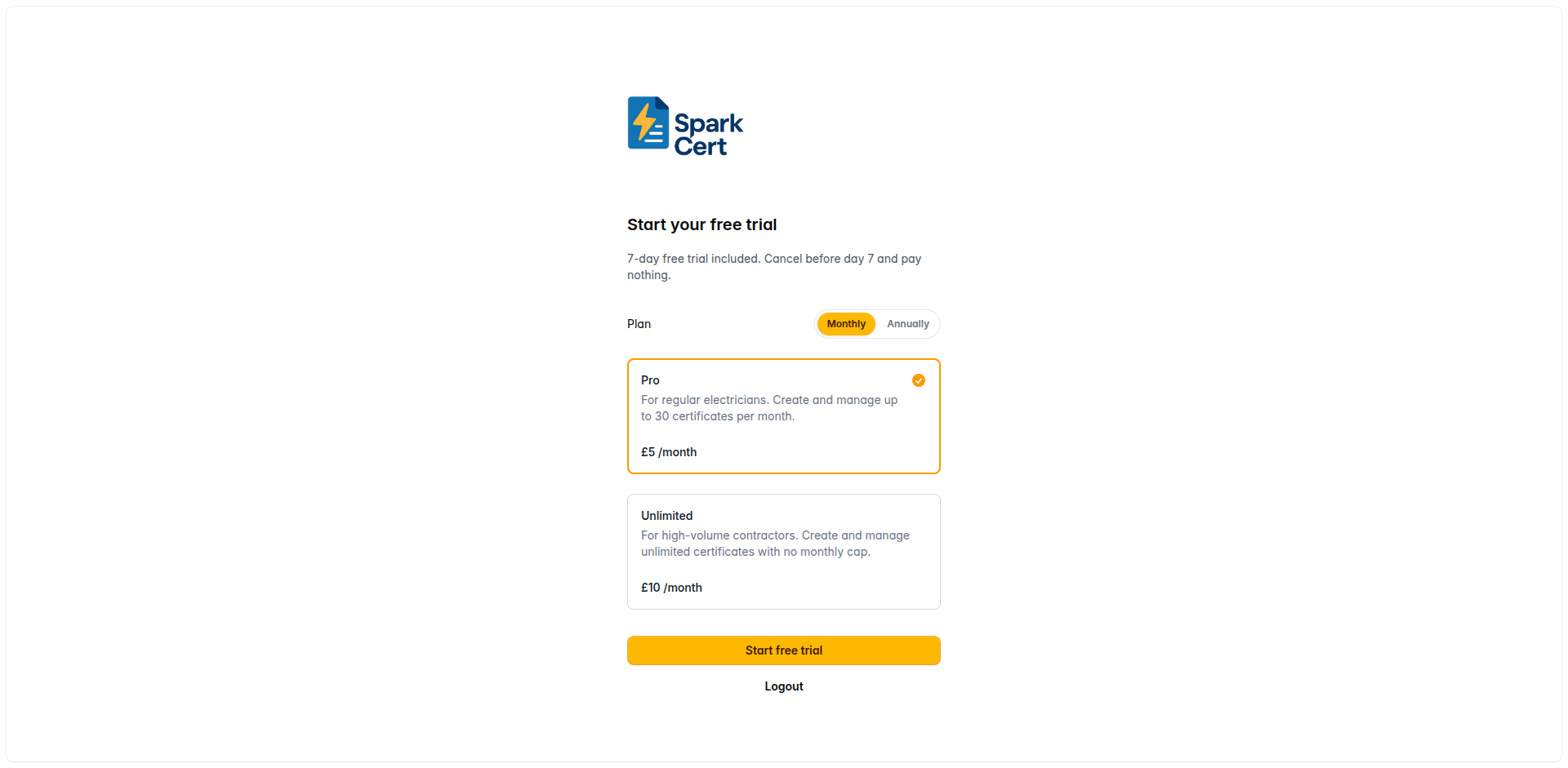
Ideal for electricians who need a solid set of certificates and documents. Available as monthly or yearly billing.
Everything in Pro with no limits. Suitable for busier contractors or small firms. Available as monthly or yearly billing.
If you have a promotion code, you can apply it during checkout for a discount.
Managing your subscription
After subscribing, you can manage everything through the billing portal. Click Manage Billing in the sidebar or in your settings to open the portal, where you can:
Upgrade or downgrade between Pro and Unlimited, or switch between monthly and yearly billing.
Add a new card or update your existing payment details.
Download PDF invoices for your records or for submitting expenses.
Cancel your subscription at any time. You will retain access until the end of your current billing period.
The billing portal is powered by Stripe, so your payment details are handled securely and never stored on SparkCert’s servers.