

Hazard Library
The Hazard Library is a personal collection of work hazards that you can reuse across risk assessments. Instead of typing the same hazards from scratch every time, save them once and pull them into any job with a couple of clicks.
Why use the Hazard Library?
Most electrical jobs share common hazards - live parts, working at height, manual handling, and so on. Rather than writing these out each time, the library lets you maintain a set of standard hazards with risk ratings and controls already filled in. When you start a new risk assessment, choose the relevant hazards from your library and adjust the details for the specific job.
You can also save hazards back to your library while filling in a risk assessment - so your library grows naturally as you work.
Managing your library
Navigate to Hazard Library in the sidebar to see all your saved hazards. From here you can create new entries, edit existing ones, or delete hazards you no longer need.
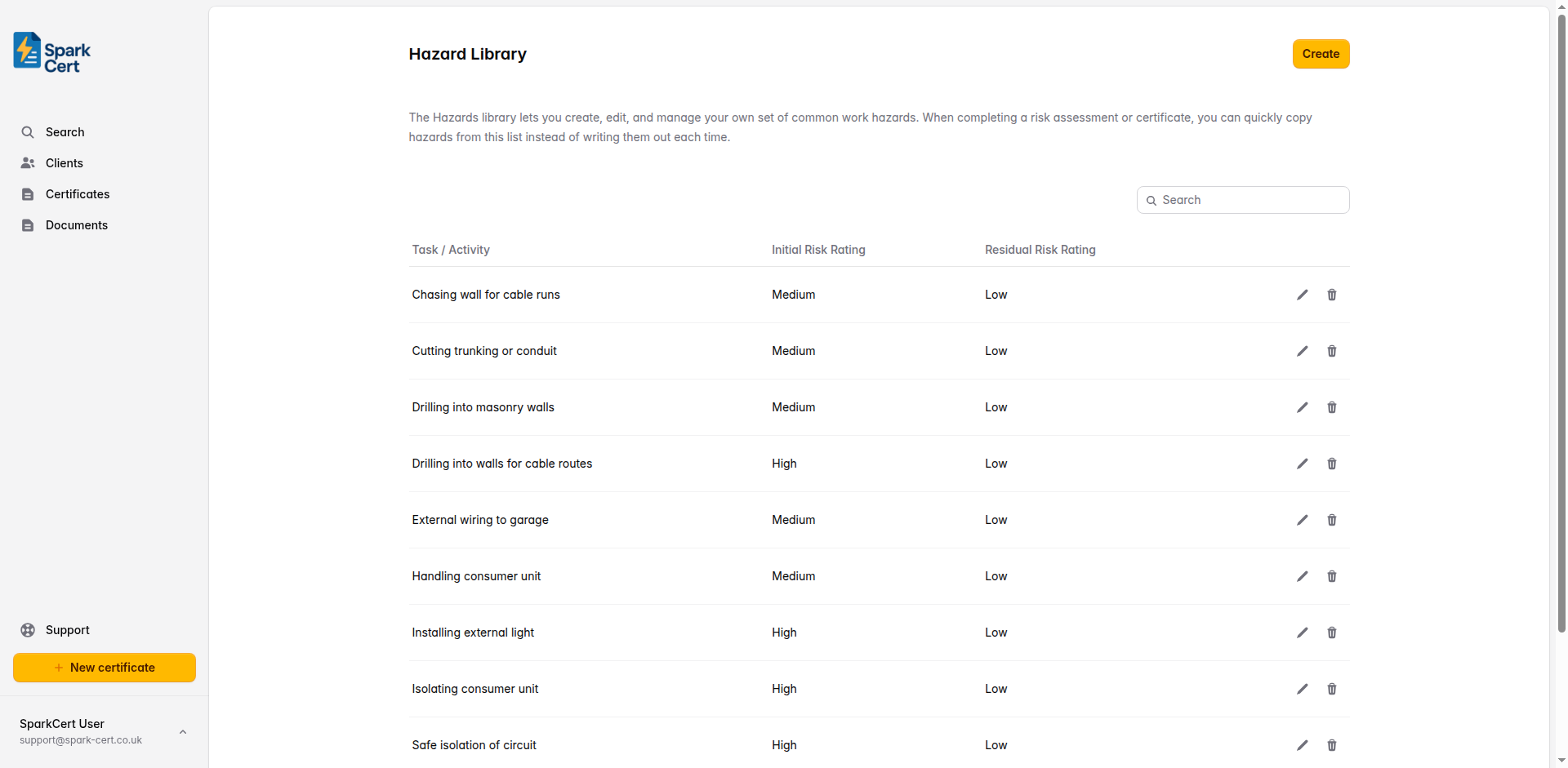
Hazard fields
Each hazard in your library records the following information:
The work activity that introduces the hazard - for example, “Installing a new consumer unit” or “Drilling into masonry walls”.
A description of the hazard itself - for example, “Contact with live electrical parts” or “Falling from height”.
Select which groups are at risk: Electricians, Other Trades, Occupants, and Public.
The risk rating before any controls are applied.
The controls already in place to manage this hazard - for example, “Safe isolation procedure followed. Test before touch. Insulated tools used.”
Any extra controls that need to be put in place on top of the existing ones.
The risk rating after all controls are in place. This should be lower than the initial rating.
Using hazards on a risk assessment
When completing a risk assessment, click Choose from your library above the hazards table. Select the hazards that apply to the job and they will be added to the table with all the details pre-filled. You can then adjust the controls or risk ratings if the specific circumstances differ from your template.
Changes you make to a hazard on a risk assessment do not update the library entry. The library is a starting point - each risk assessment keeps its own copy.