
My Profile
Your profile page is where you manage your account details - your name, email address, and password. Navigate to My Profile in the sidebar to get started.
Account settings
The top section of the profile page lets you update your name and email address.
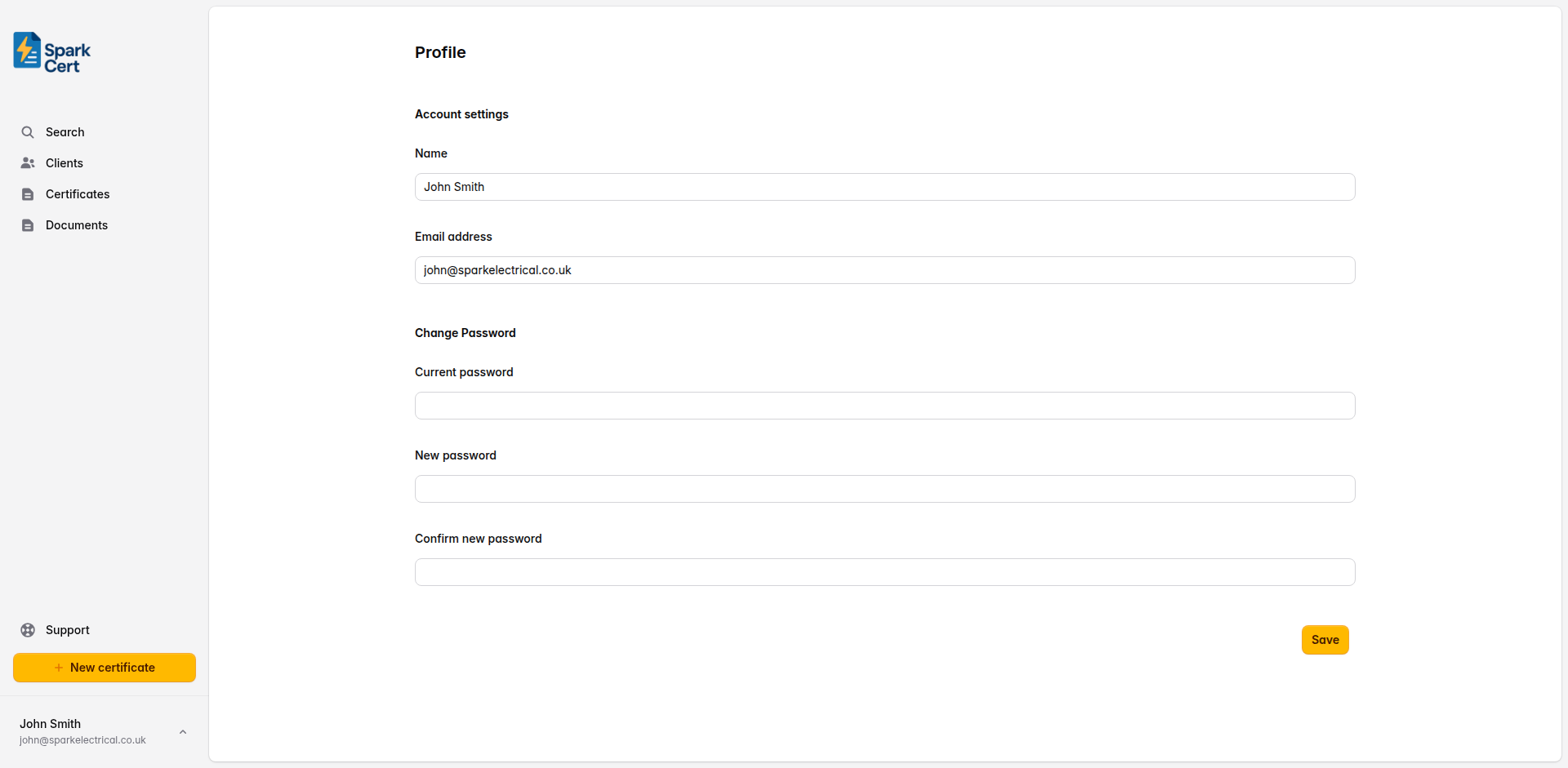
Your full name as it appears on your account. This is separate from the declaration name used on certificates, which is configured in Settings.
The email address you use to log in. If you change this, you will need to use the new address next time you sign in.
Changing your password
The lower section of the profile page lets you change your password. You will need to enter your current password for security before setting a new one.
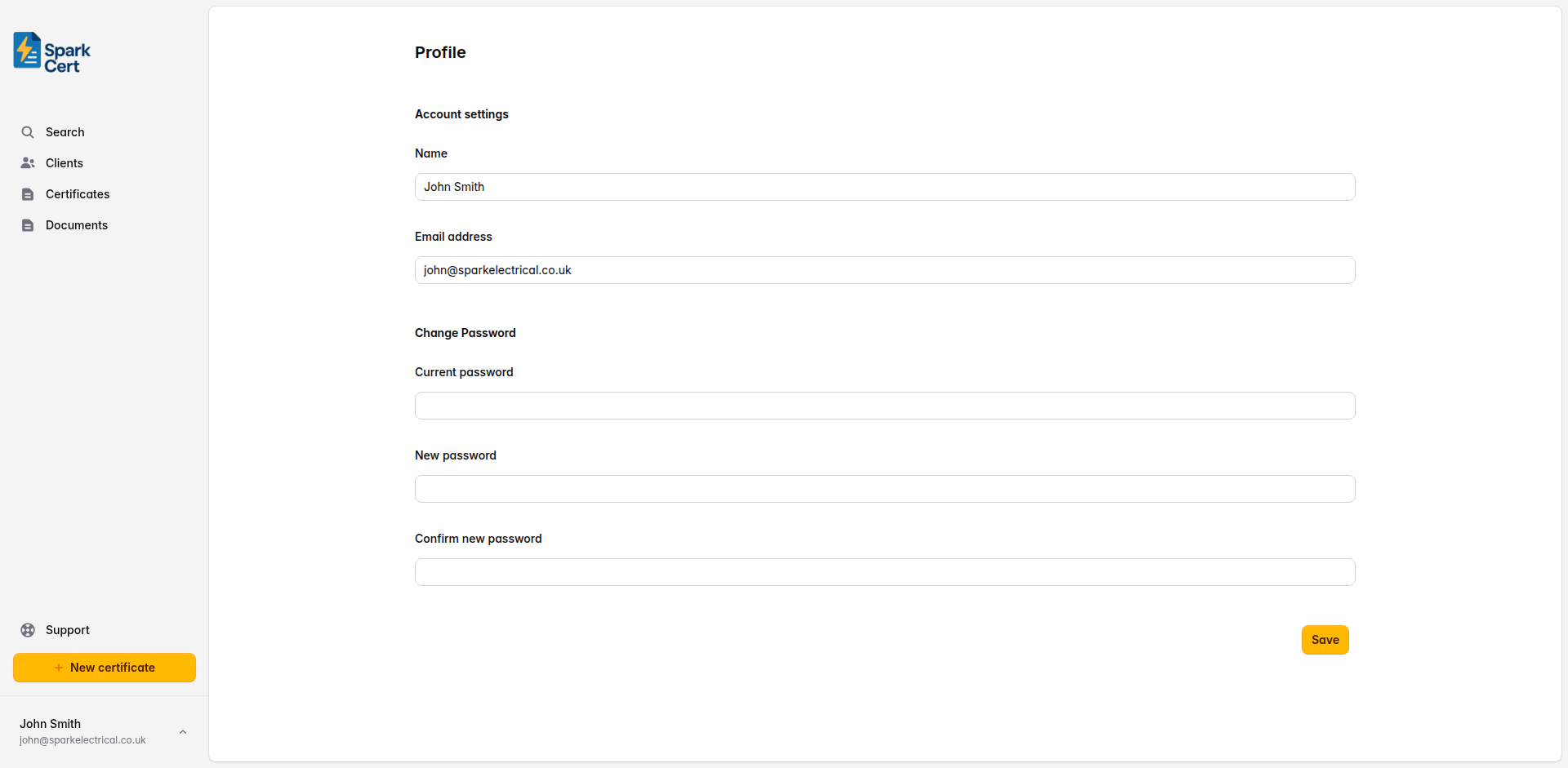
Your existing password, required to confirm the change.
The new password you want to use.
Type the new password again to confirm you have entered it correctly.
You will receive a confirmation email when your password is changed. If you did not make the change, contact support immediately.